【6アバター対応】AO Skin Preset & Toggles 1.01
- ダウンロード商品クマリ / Kumaly¥ 1,000
- ダウンロード商品イチゴ / ICHIGO¥ 1,000
- ダウンロード商品マヌカ / Manuka¥ 1,000
- ダウンロード商品しなの / Shinano¥ 1,000
- ダウンロード商品ウルキ / Uruki¥ 1,000
- ダウンロード商品ミルティナ / Milltina¥ 1,000
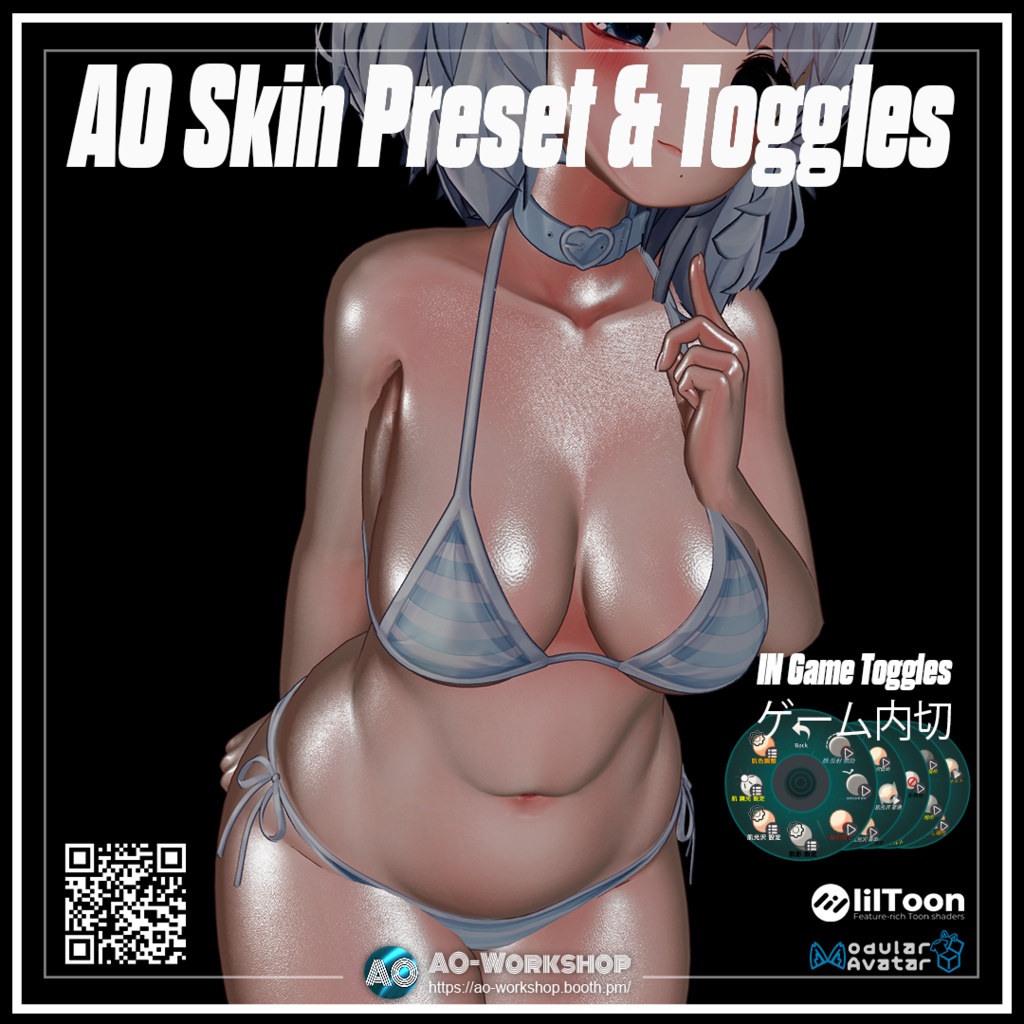
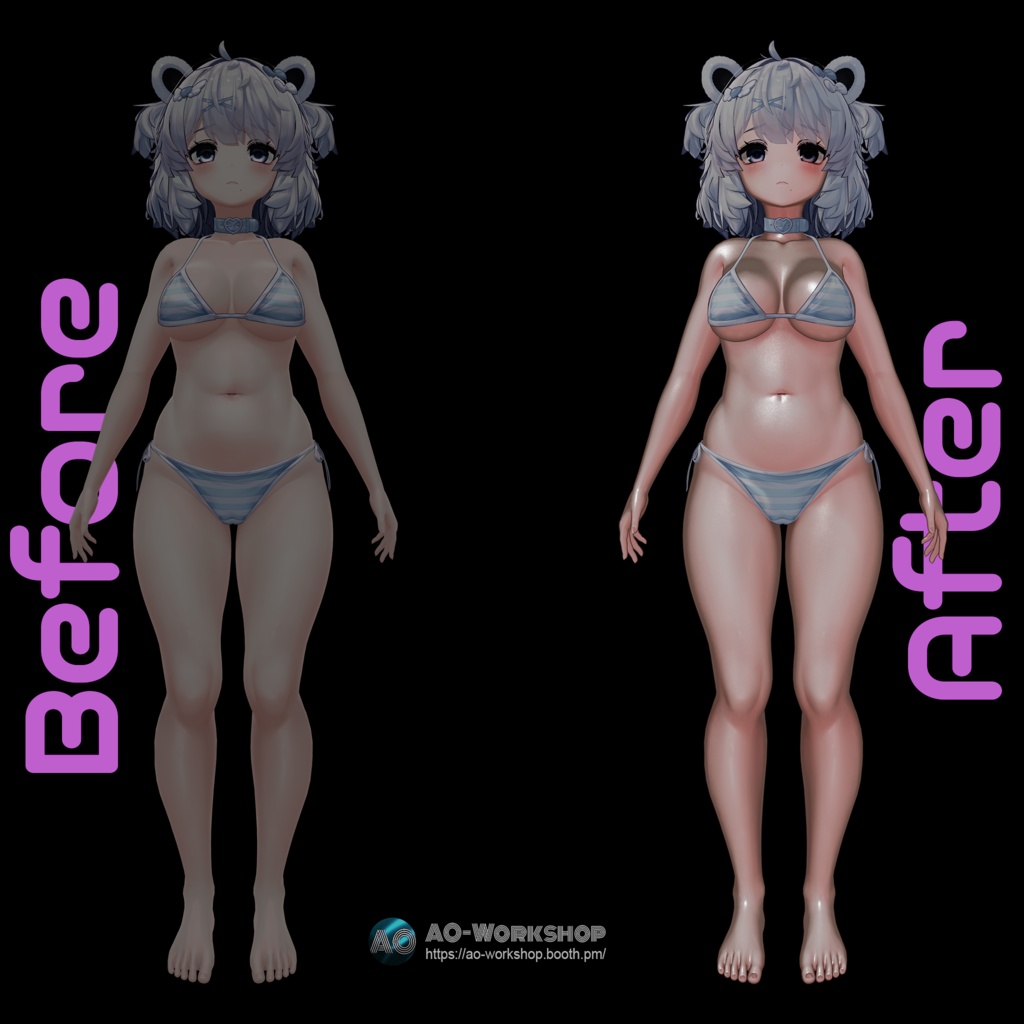
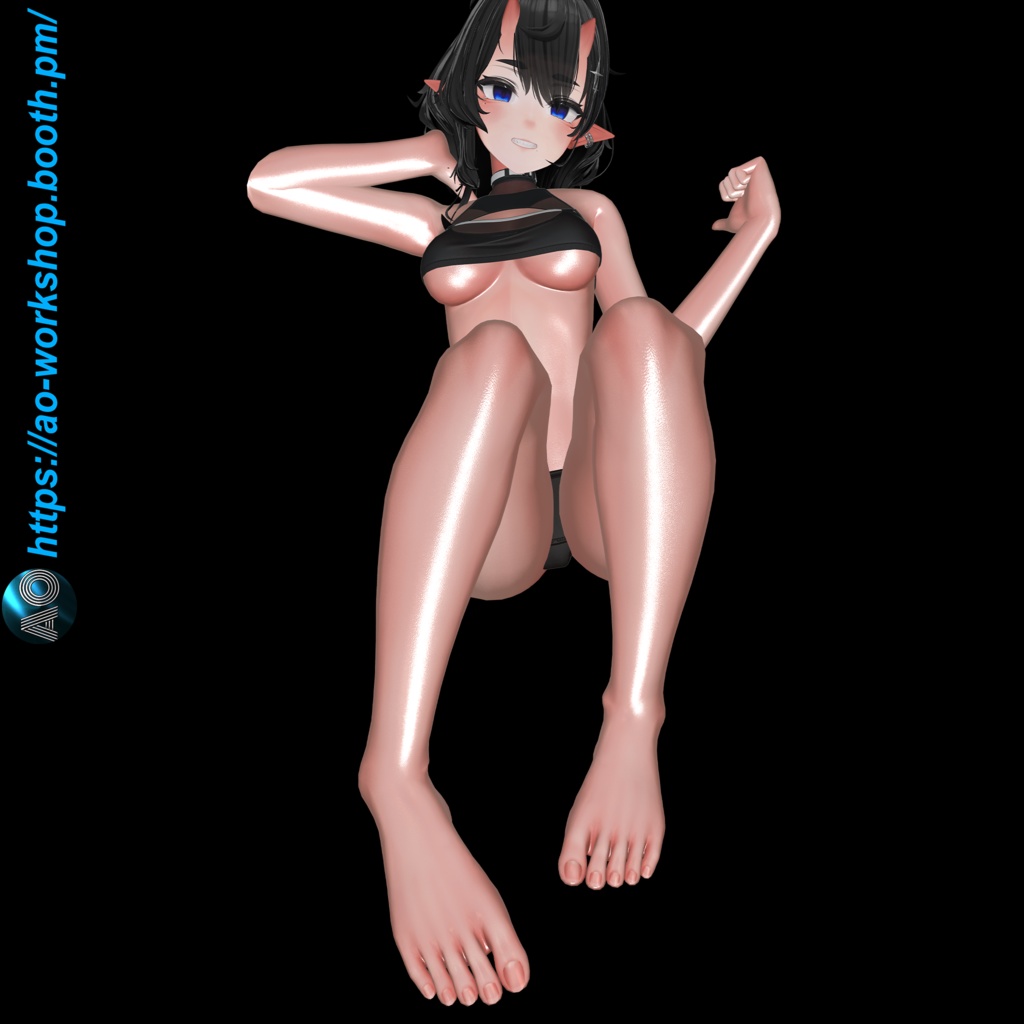
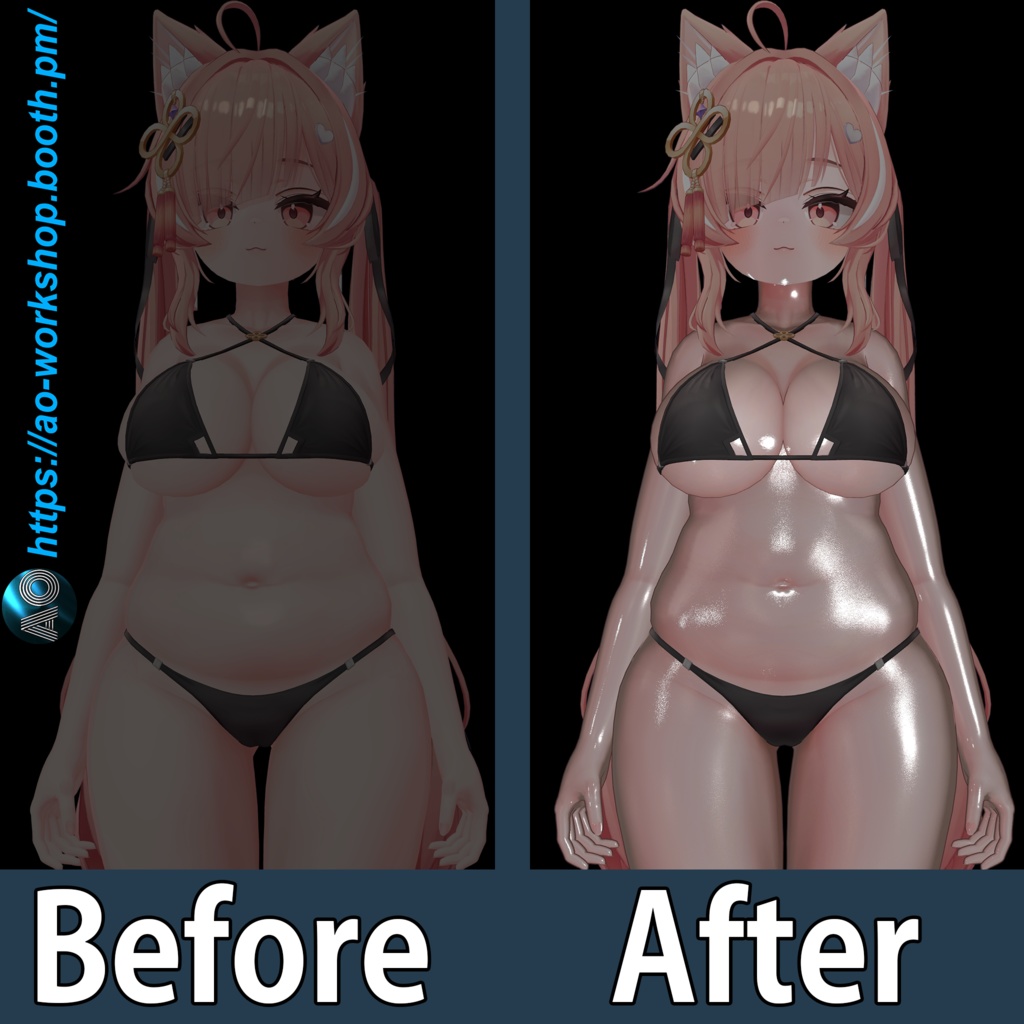
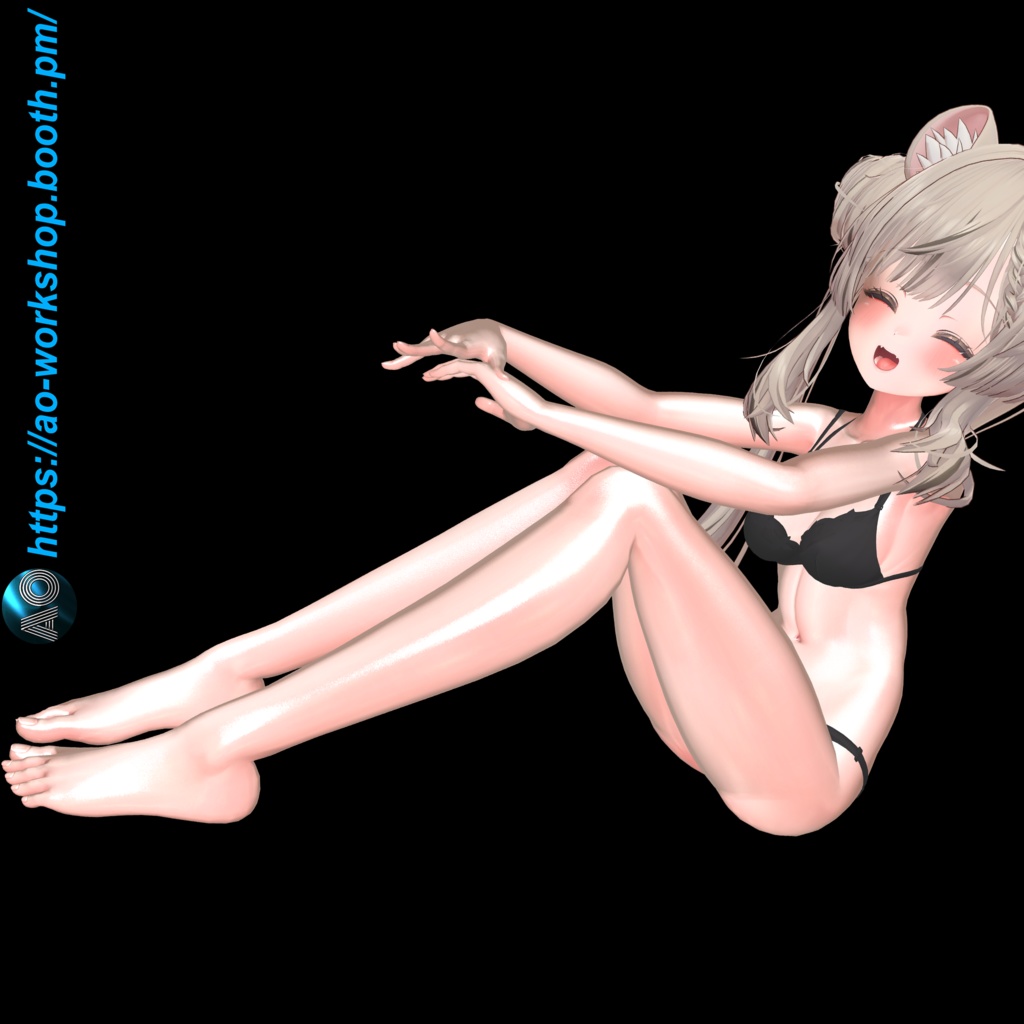
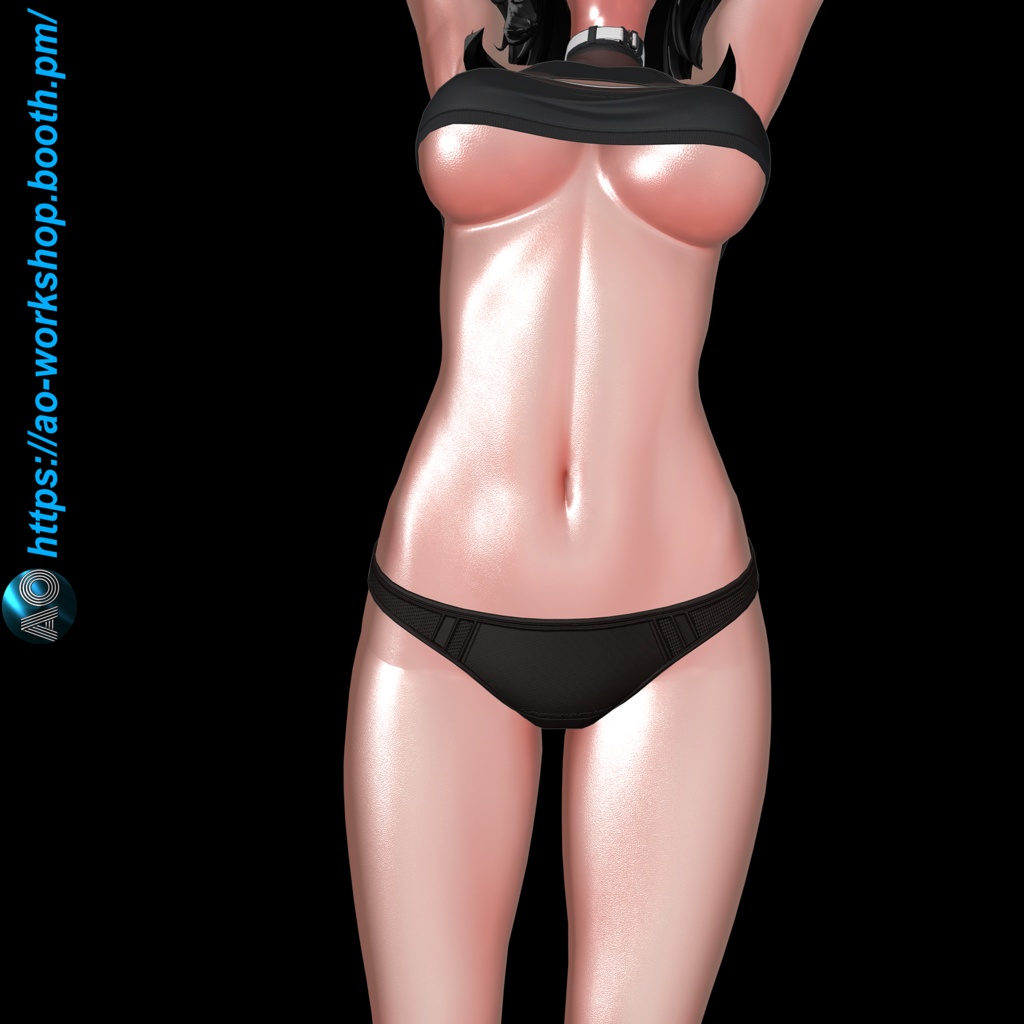
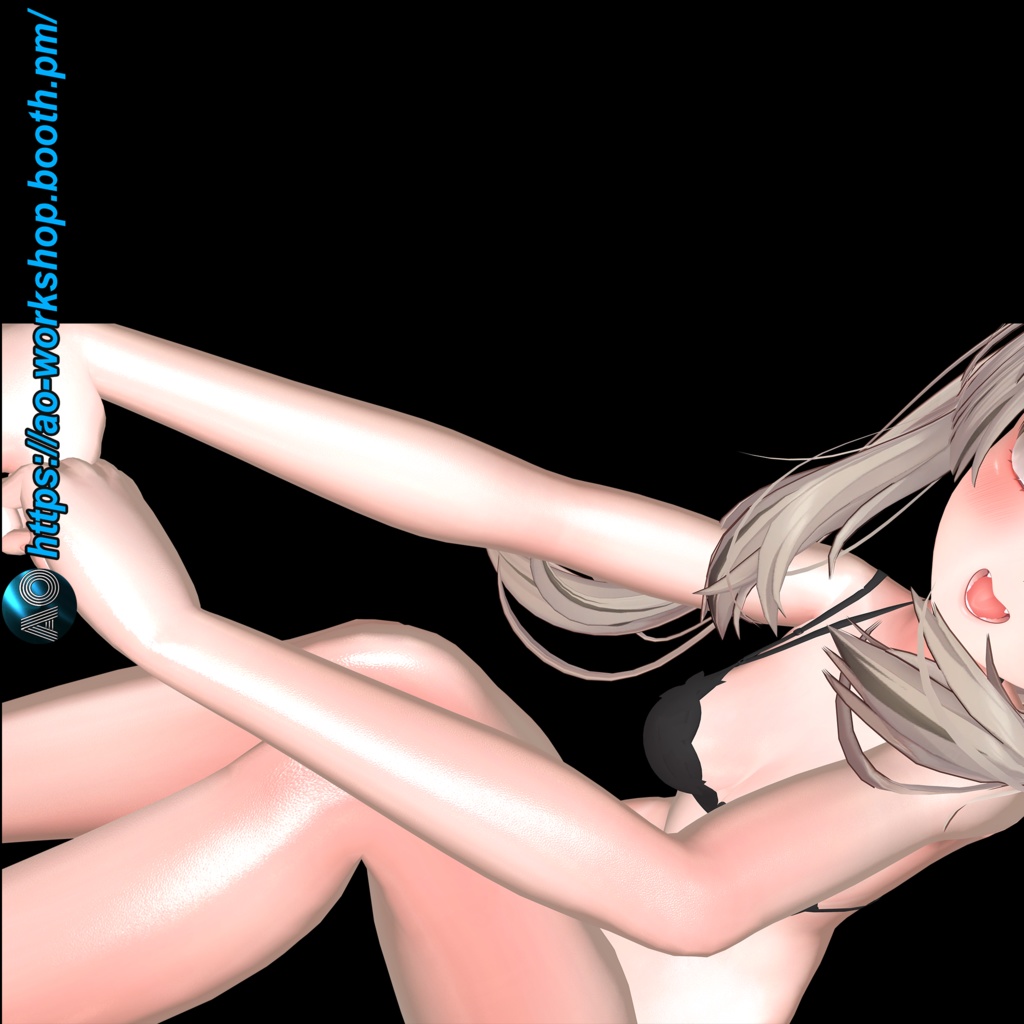
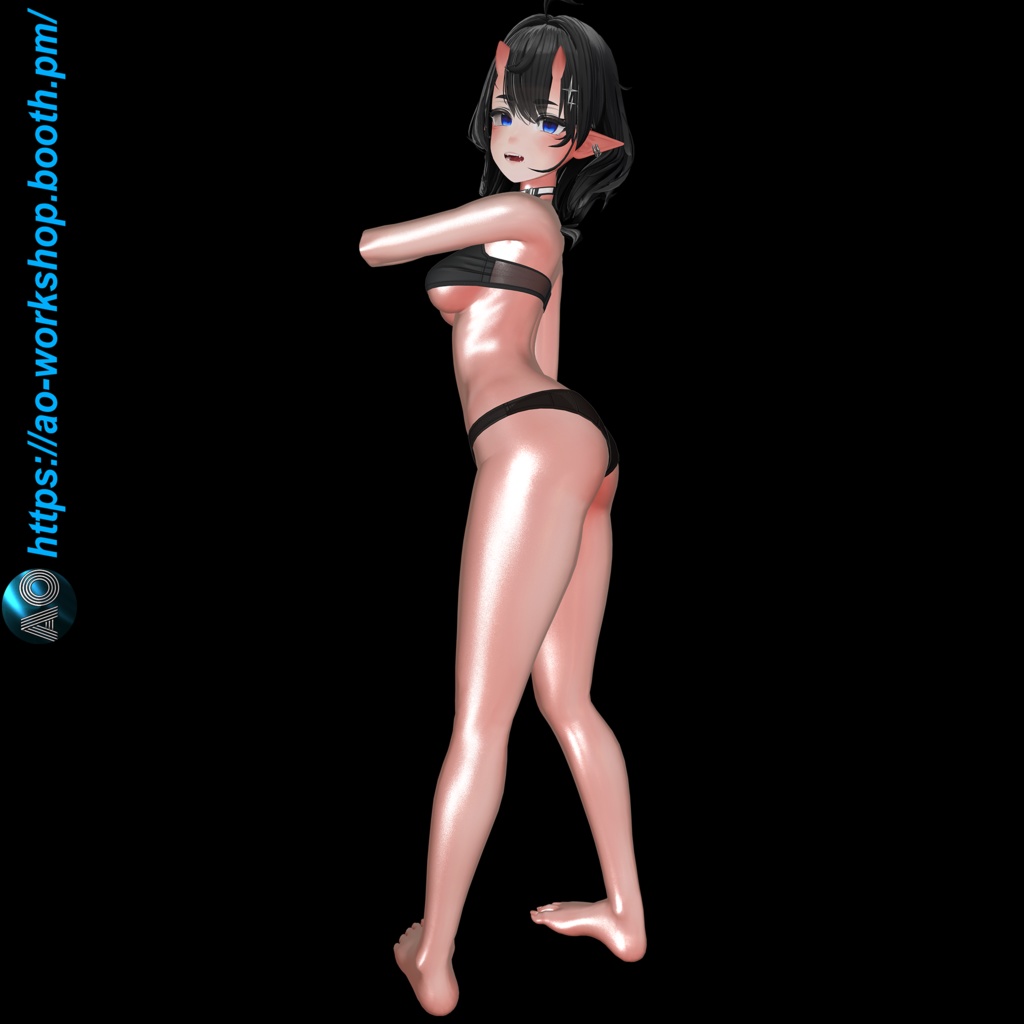
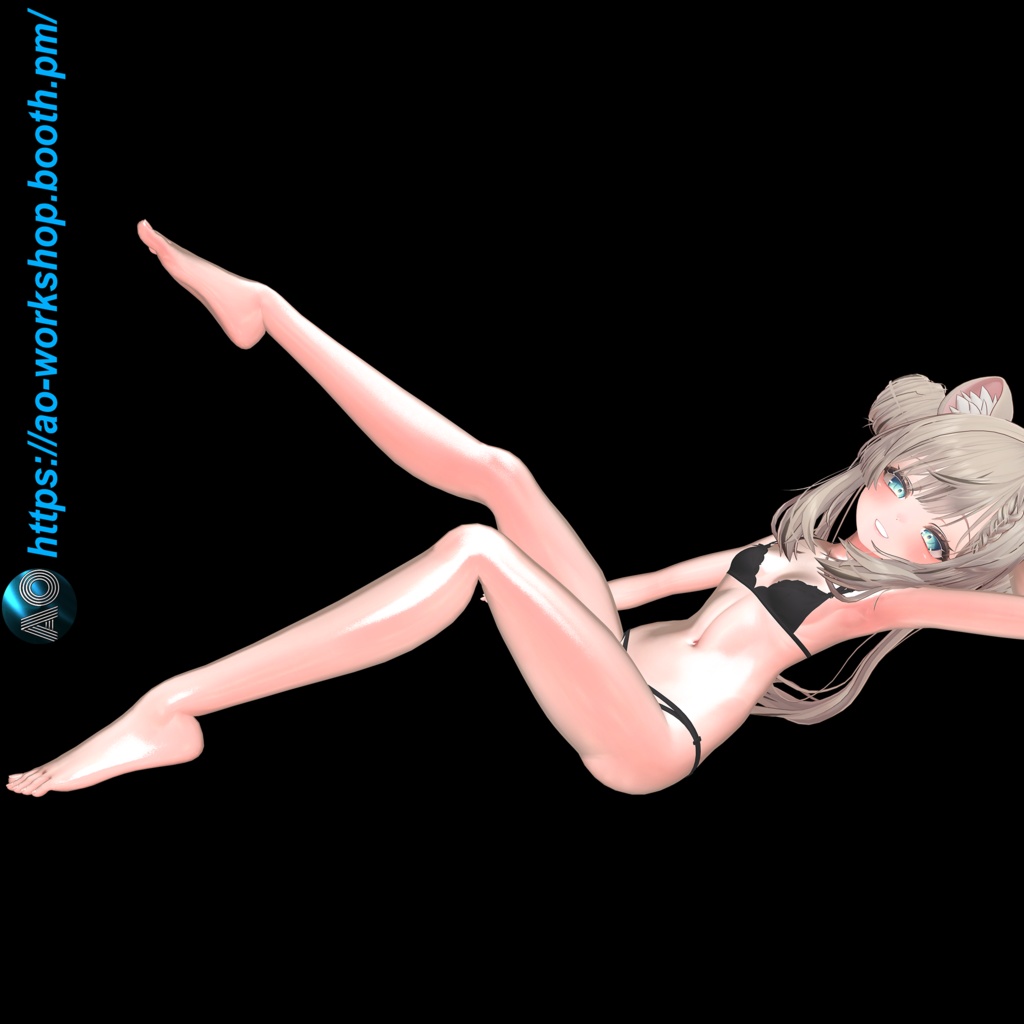
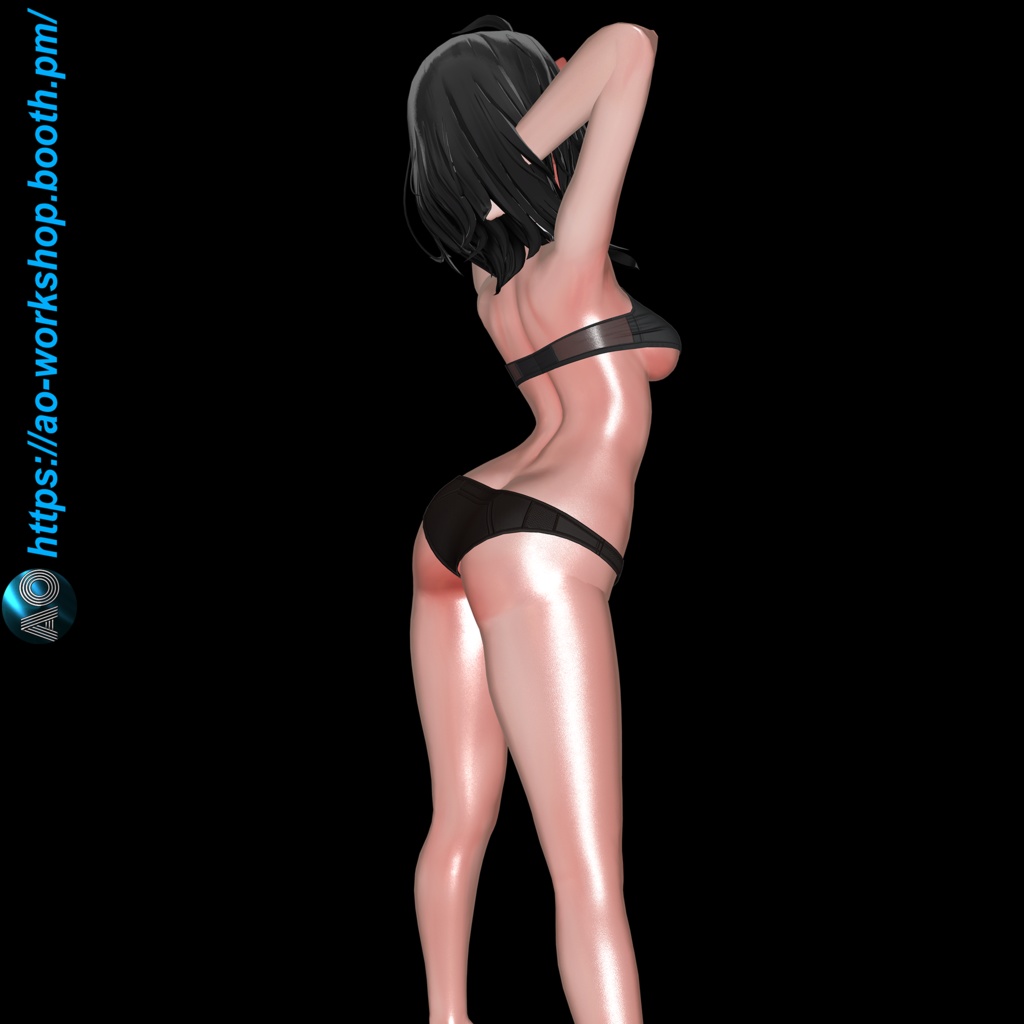
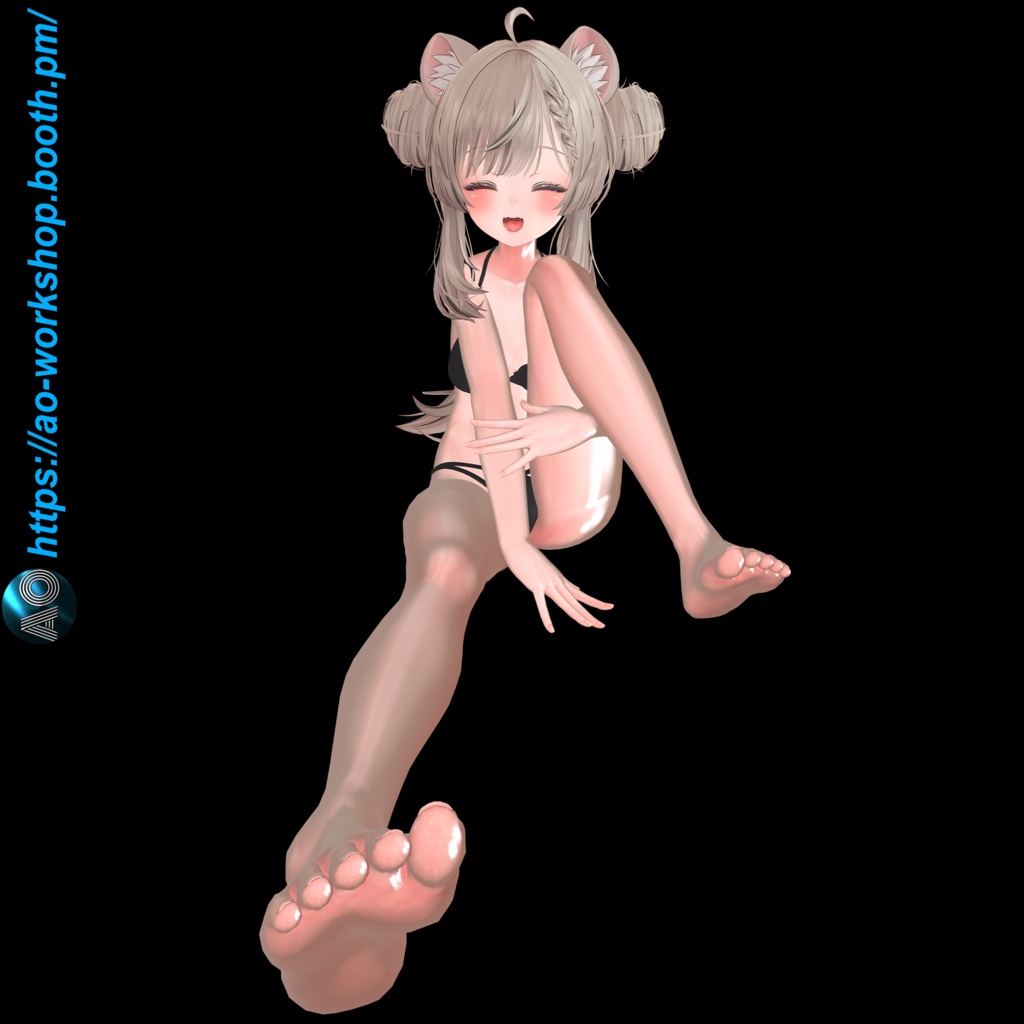
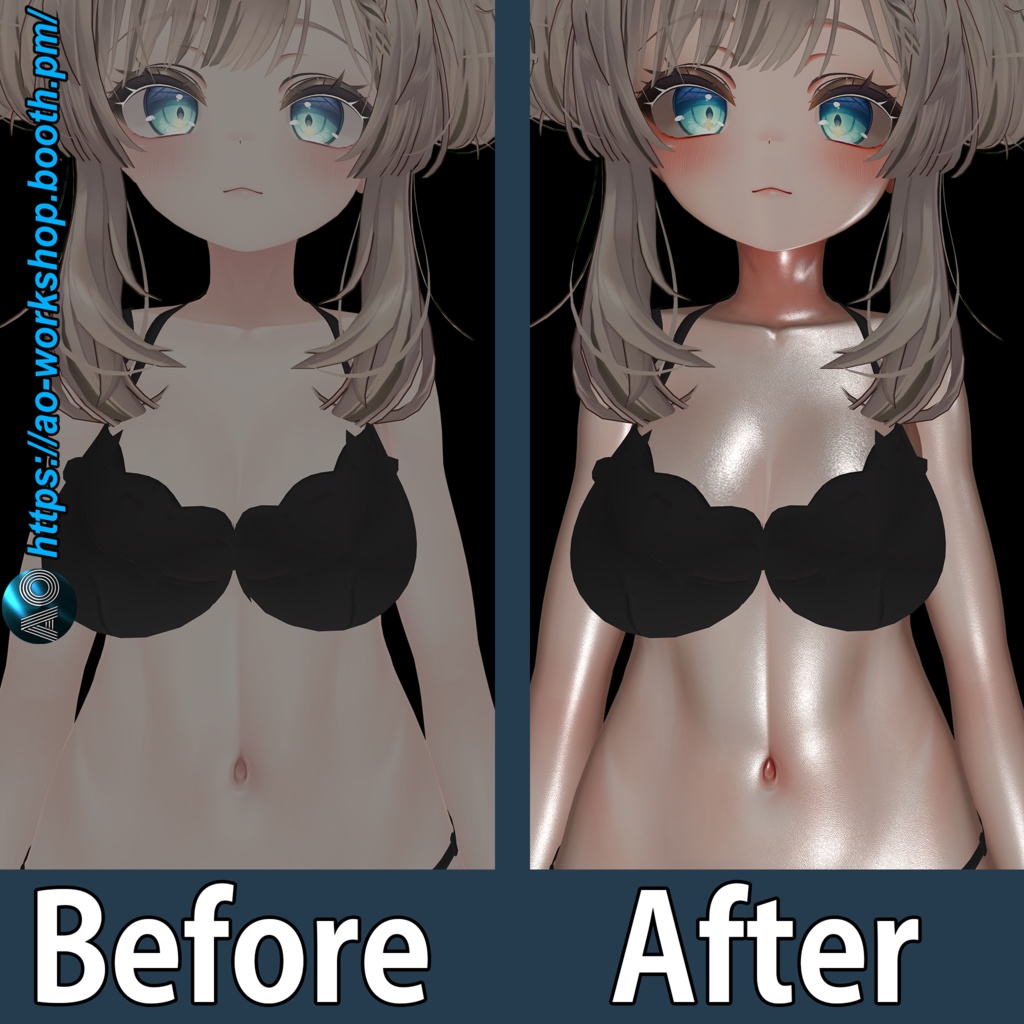
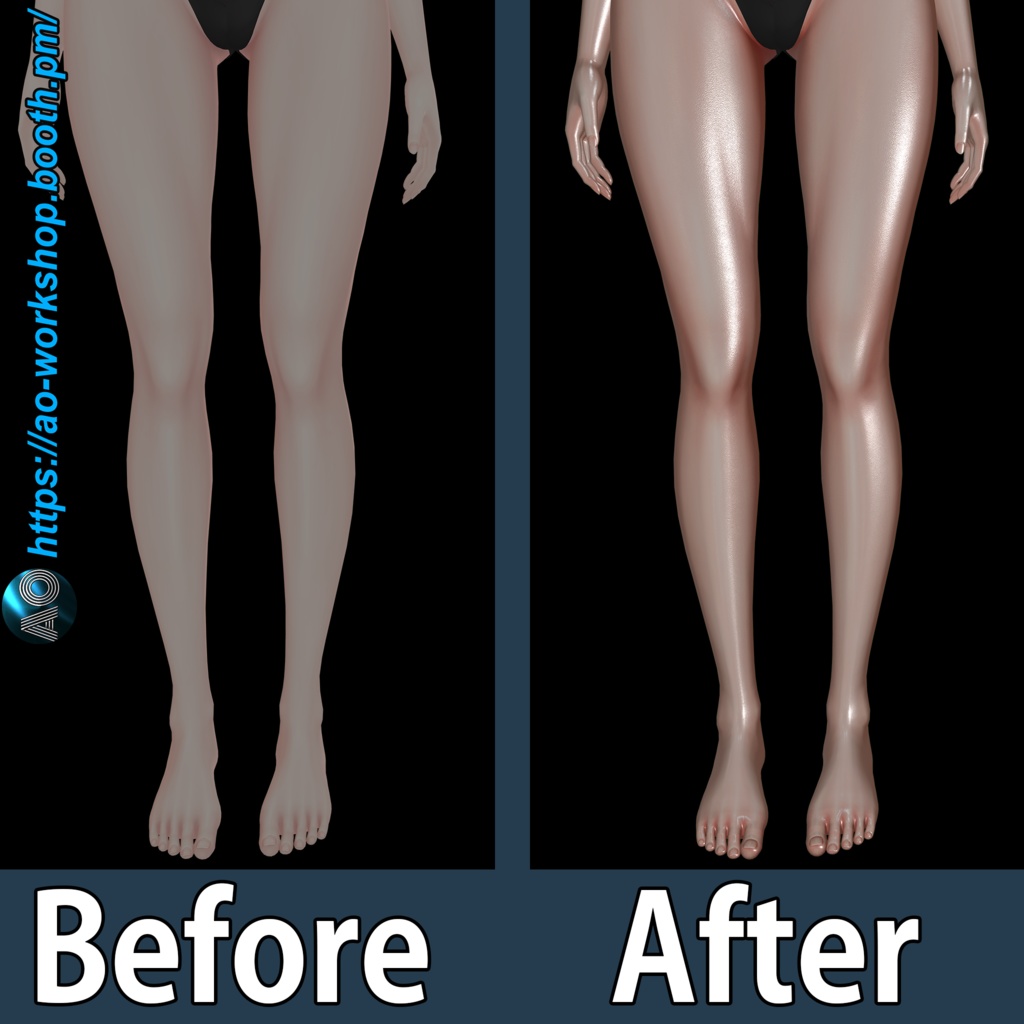
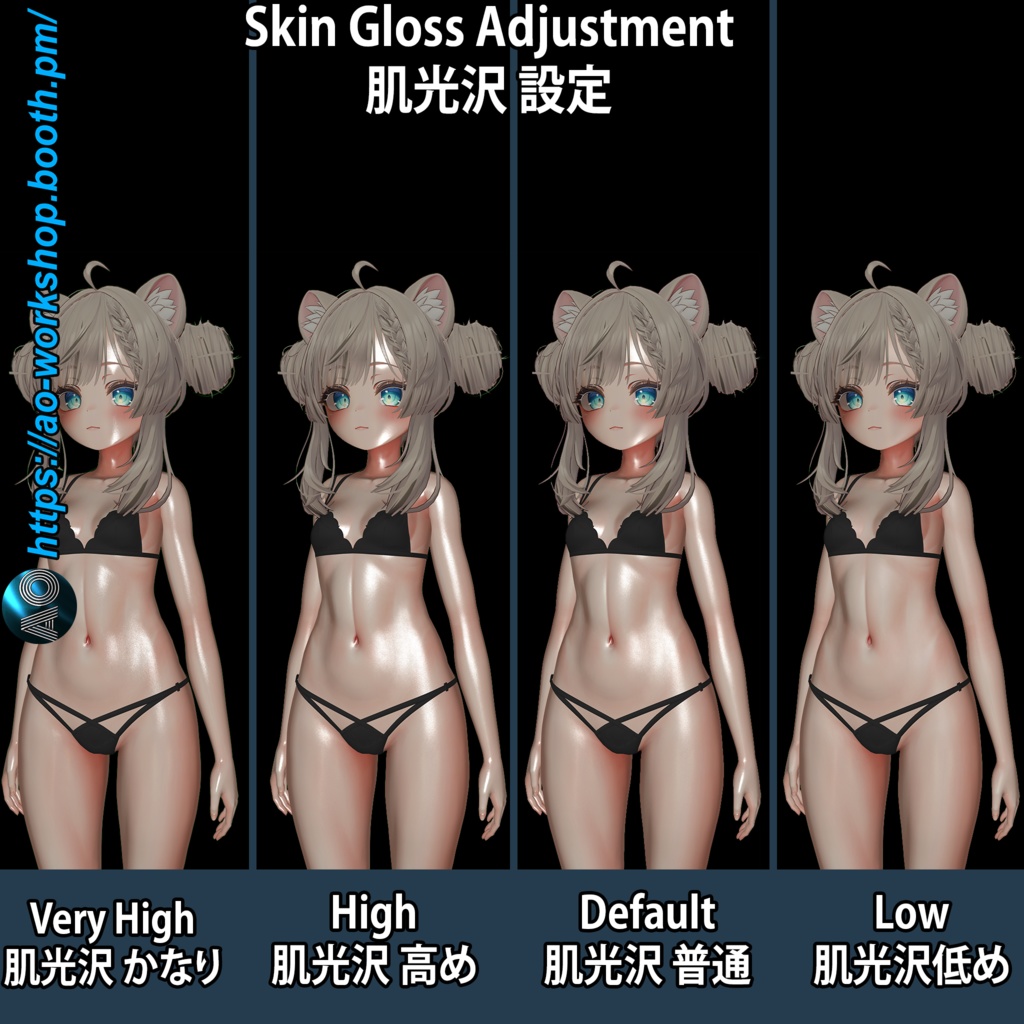
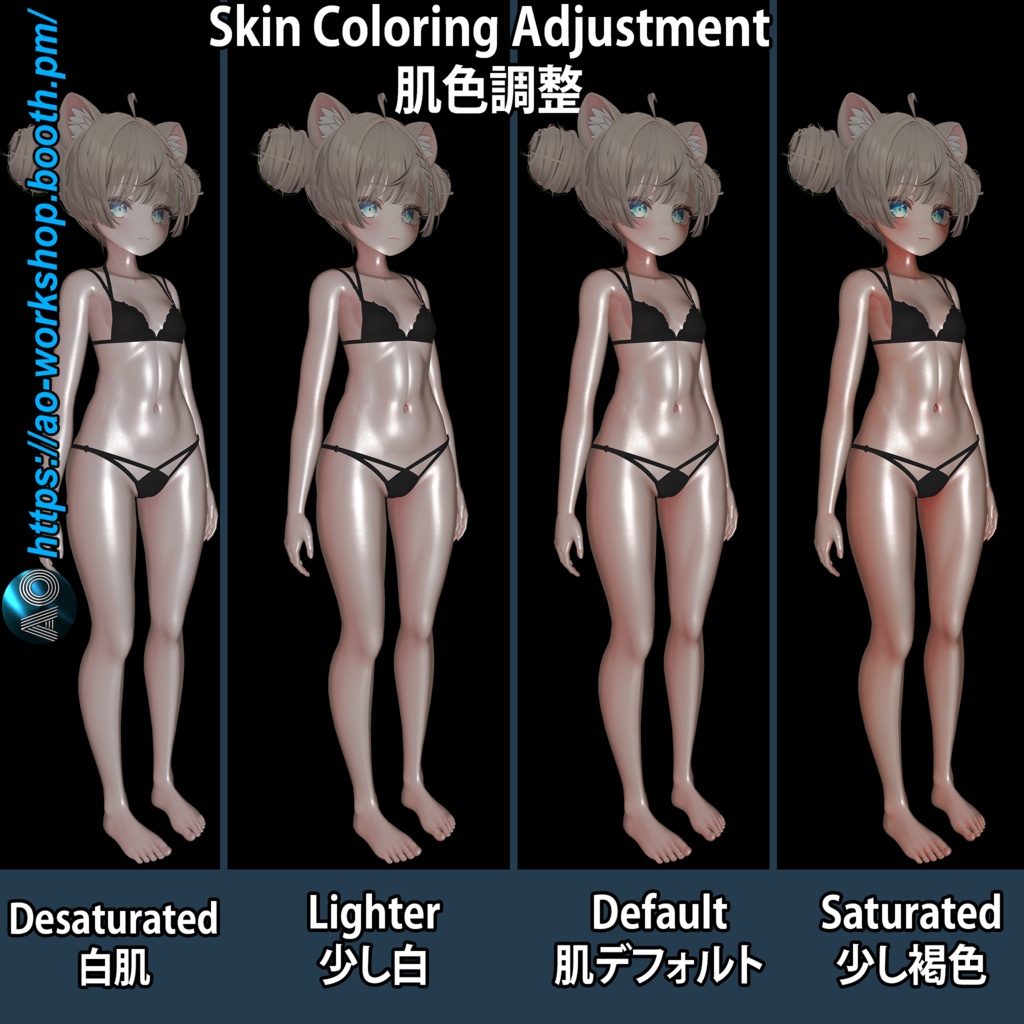
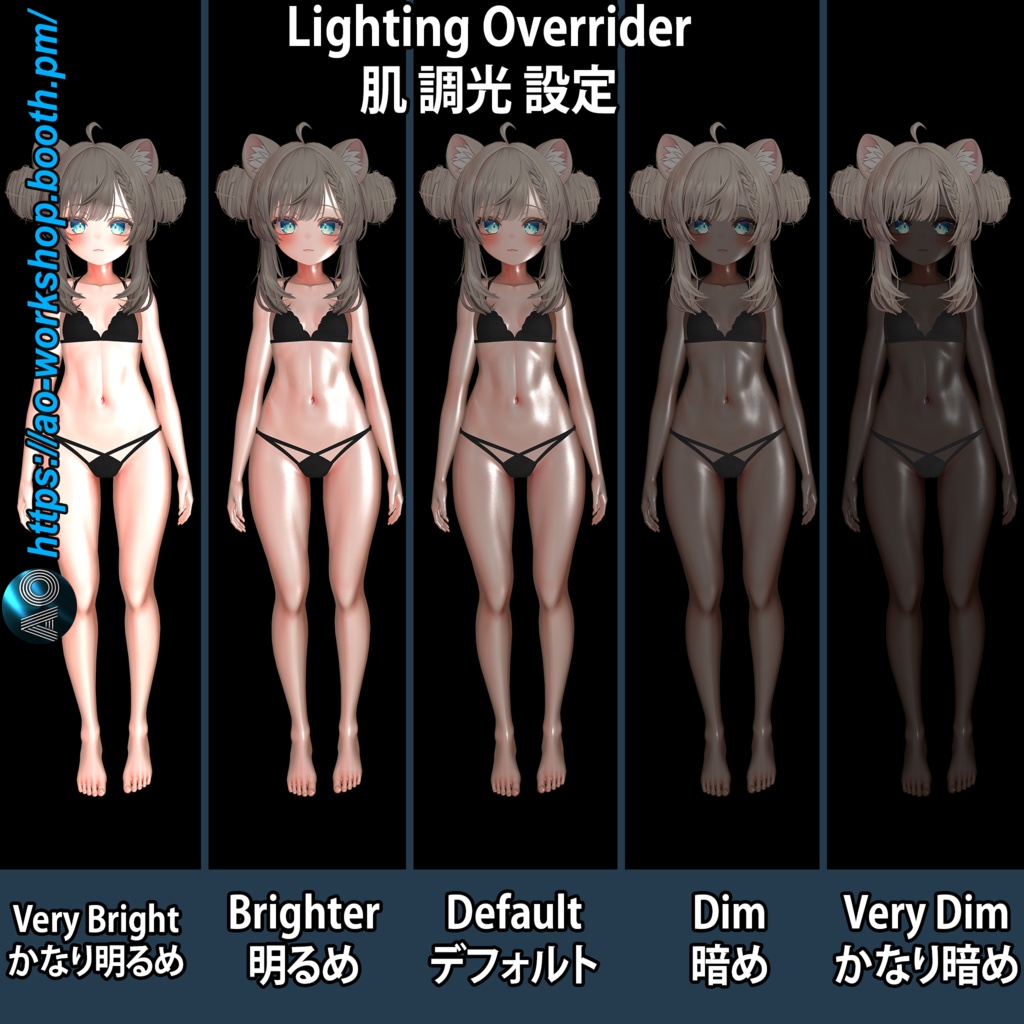
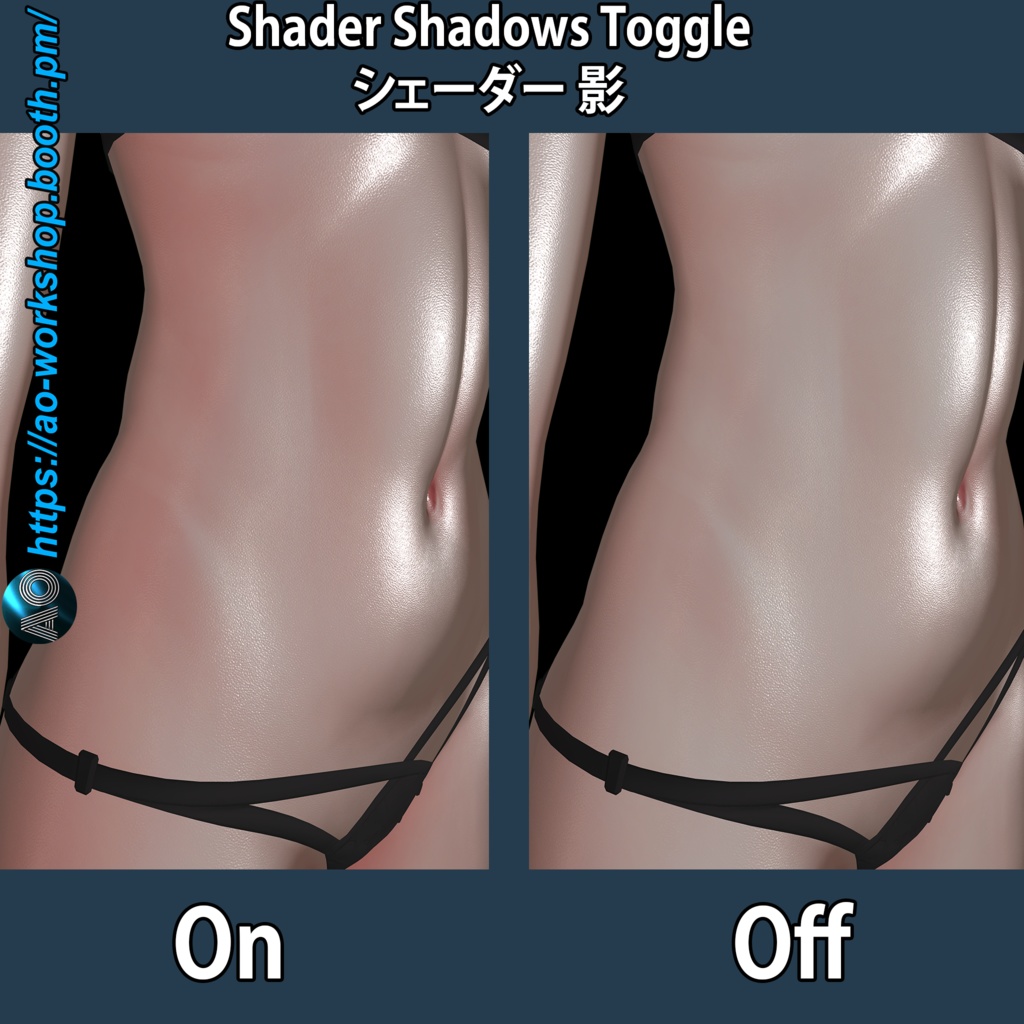
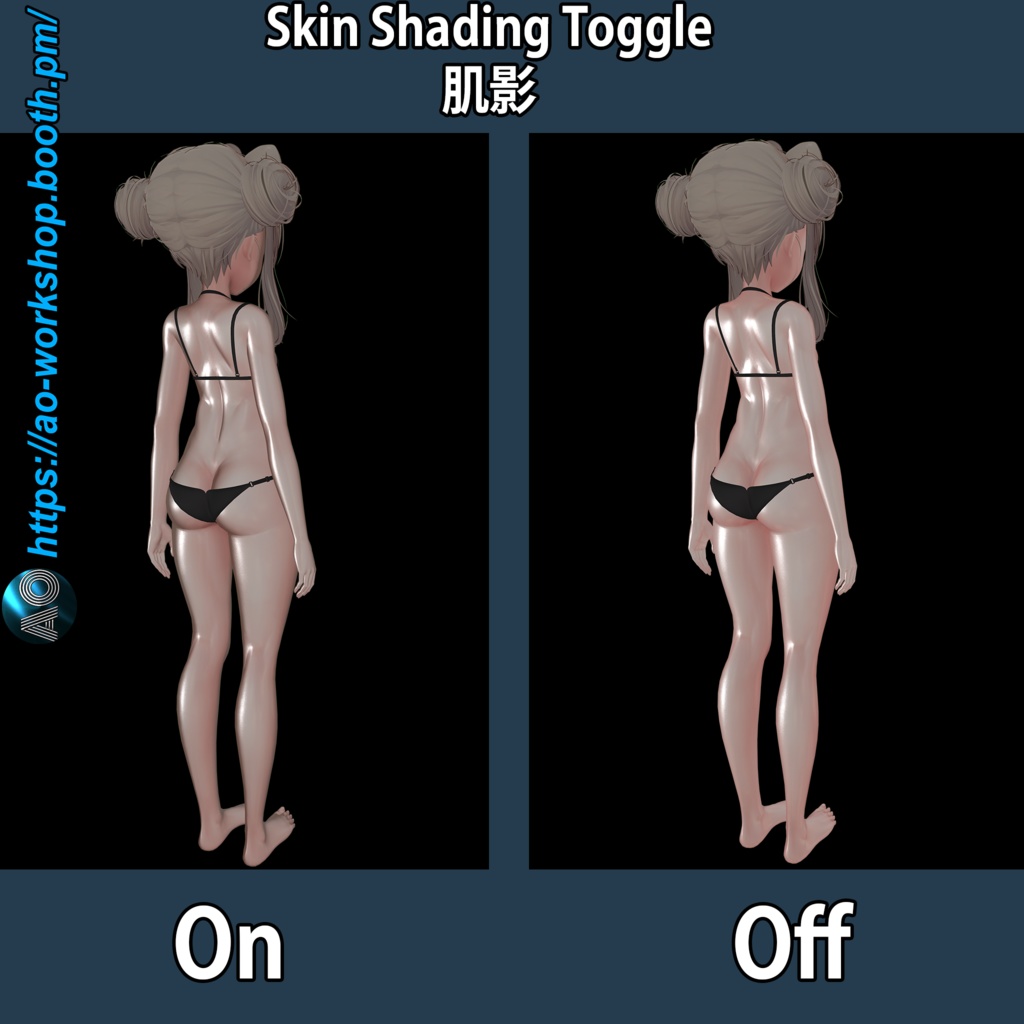
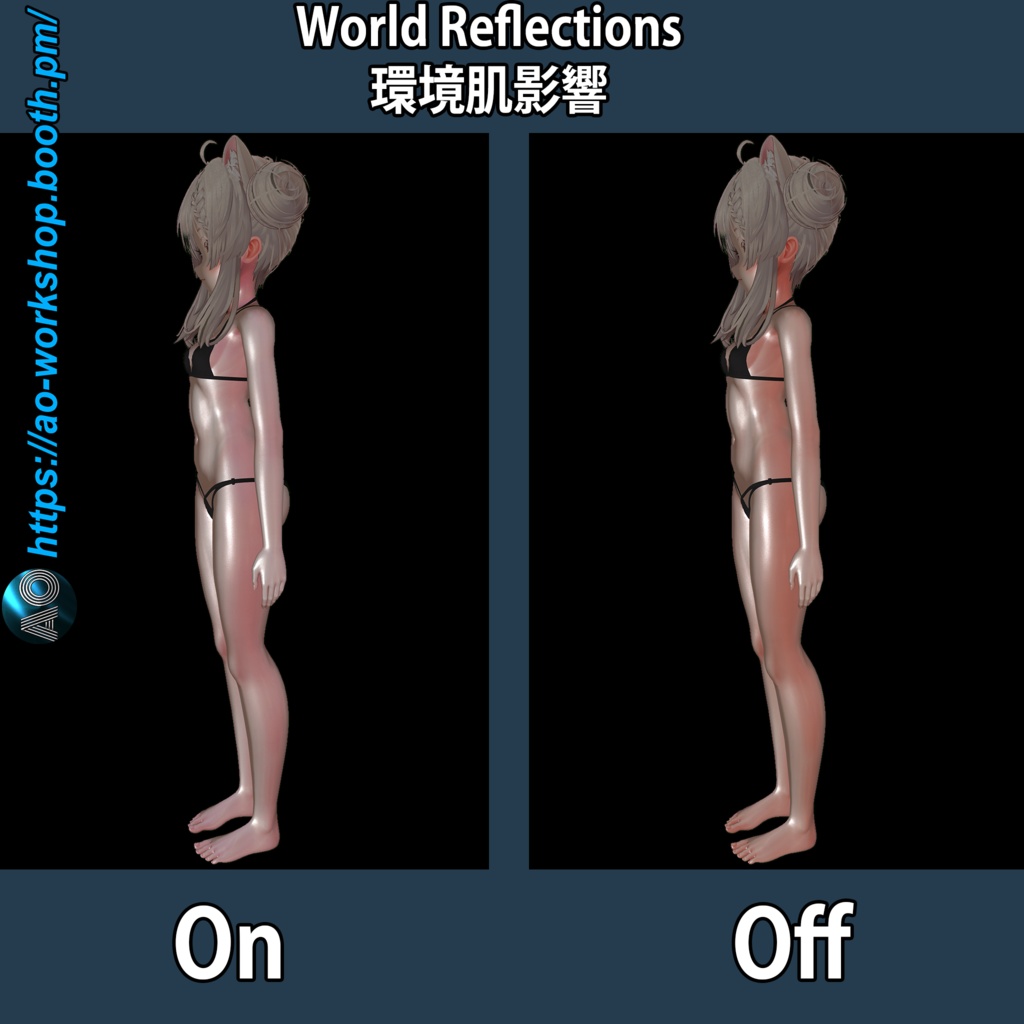
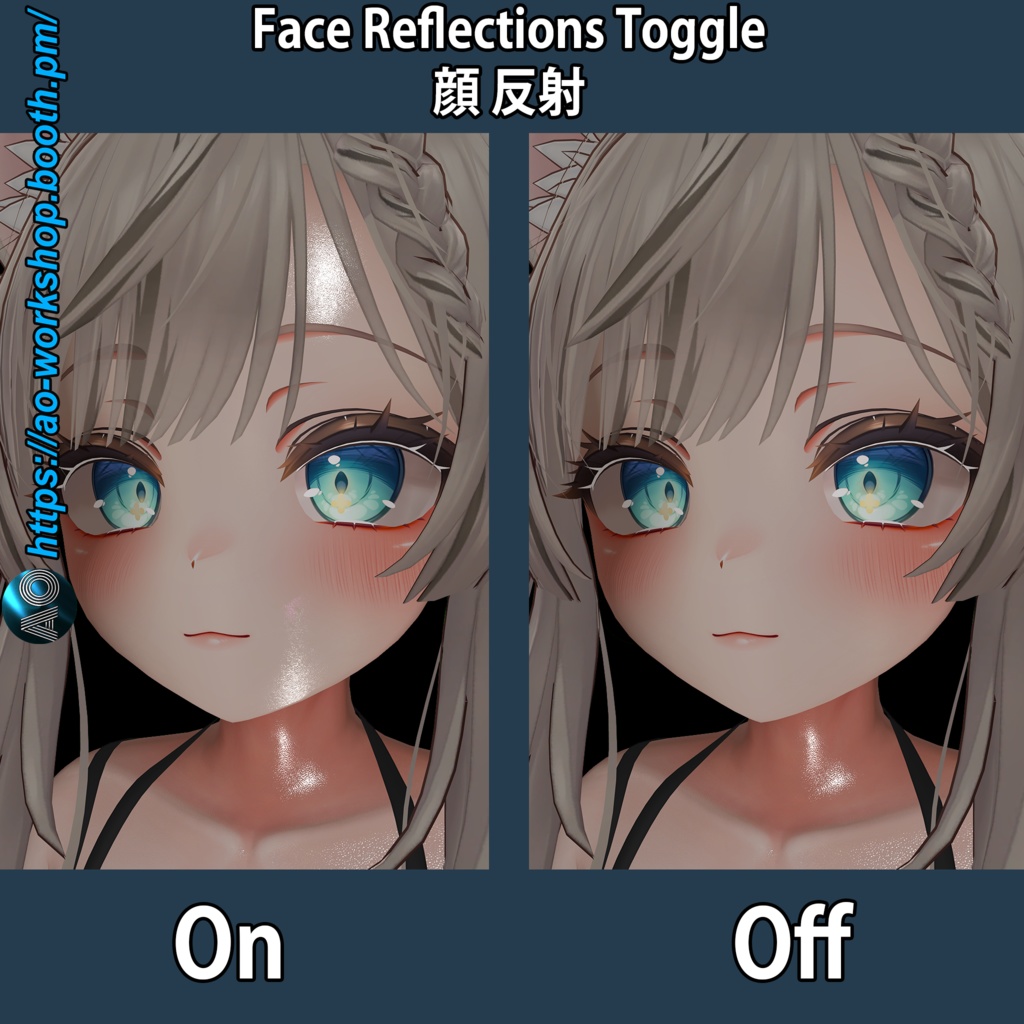
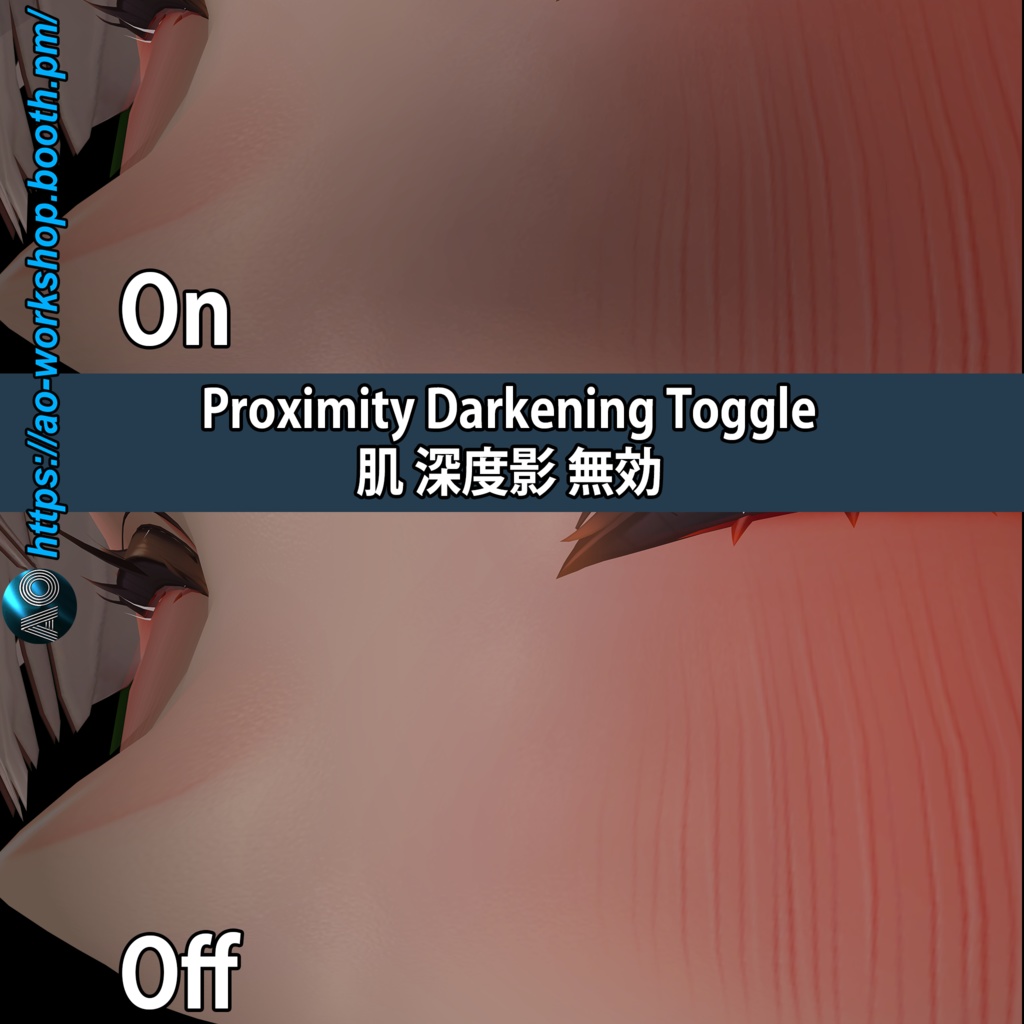
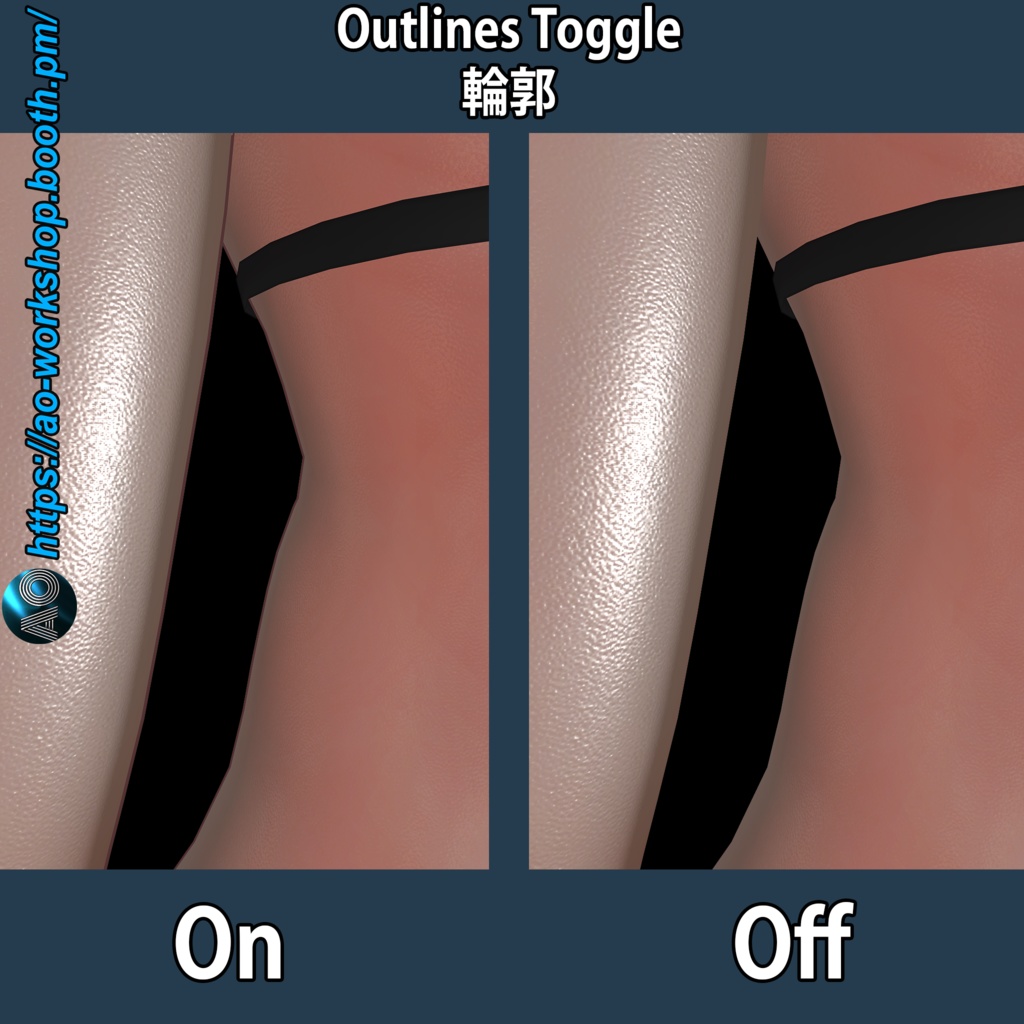
このスキンシステムは、カスタムlilToonプリセットを使用してアバターの外見を向上させるために設計されています。 ボディとフェイスのマテリアルに適用でき、以下のような事前調整済みの設定が含まれています: シャドウ(Shadows) リムシェード(RimShade) リムライト(RimLight) 距離フェード(DistanceFade) 異方性(Anisotropy) 反射(Reflections) マットキャップ(MatCap) アウトライン(Outlines) ライティング設定(Lighting Settings) さらに、リアルな質感を加える詳細なスキンノーマルマップも含まれています。 あなたのアバターに付属する元のベースカラーテクスチャを使用することも、好みに応じてカスタムのものを使用することもできます。 このシステムには、ドラッグ&ドロップのプレハブが含まれており、 特定のスキン設定を調整・オン/オフすることが可能です。 VRChatエクスプレッションメニューで調整できる項目: ライトオーバーライド(明るく / 暗く) スキントーン調整(鮮やか / 落ち着いた色合い) スキングロス(低 / 非常に高い) トグル設定(オン/オフ可能): フェイス反射 ワールド反射 アウトライン スキンシェーディング 近接暗化(Proximity Darkening) シェーダーシャドウ ※このメニューのインストールにはVRChatパラメータ19ビットの空きが必要です。 ☑ 簡単インストール ☑ Unityパッケージをインポート プレハブをアバターにドラッグ&ドロップ 付属のlilToonプリセットをボディとフェイスのマテリアルに適用 [EN] This Skin System is designed to enhance your avatar’s look with custom lilToon presets for body and face materials. It includes pre-tuned Shadows, RimShade, RimLight, DistanceFade, Antisotrophy, Reflections, MatCap, Outlines and Lighting Settings, along with detailed skin Normal Map that add extra depth and realism. You can use the original base color texture that come with your Avatar, or you can use a custom one. The System include Drag & Drop prefab which allows the user to adjust or toggle on and off specific features of the skin to better fit their needs. VRChat Expression Menu Adjustments allows the following: Light Overrider: Brighter - Darker Skin Toning: Saturated -Desaturated Skin Gloss: Low - Very High Toggles for: Face Reflections, World Reflections, Outlines, Skin Shading, Proximity Darkening, Shader Shadows (The menu requires 19 bits free space in the VRChat parameters to install) ☑Easy to install☑ Just import the Unity package Drag&Drop the prefab onto your avatar and load the included lilToon presets to your avatar's body and face material! 🛍️このショップの商品はこちら / Products from this shop🛍️ ↓↓ https://ao-workshop.booth.pm/ 🛍️You can also find my products in these shops / こちらのショップでも商品を見つけられます🛍️ ↓↓ https://aoworkshop.gumroad.com/ 𝕏 私のX(Twitter)はこちら / My X (Twitter) is here 𝕏 ↓↓ https://x.com/AO_works 🦋 私のBlueskyはこちら / My Bluesky is here 🦋 ↓↓ https://bsky.app/profile/ao-workshop.bsky.social ▶ 私のYouTubeはこちら / My YouTube is here ▶ ↓↓ https://www.youtube.com/@AO-Workshop 📷 私のInstagramはこちら / My Instagram is here 📷 ↓↓ https://www.instagram.com/ao_workshop3d 🎵 私のTikTokはこちら / My TikTok is here 🎵 ↓↓ https://www.tiktok.com/@ao_workshop
🛈 必要条件: / Requirements:🛈
必須シェーダー (最新バージョン)/ Required Shader (Latest version) lilToon https://booth.pm/ja/items/3087170 必須ツール / Required Tools Modular Avatar https://modular-avatar.nadena.dev/ja/docs/intro
✅サポートされているアバター / Supported Avatars ✅
イチゴ / ICHIGO → https://booth.pm/en/items/7328789 クマリ / Kumaly → https://booth.pm/en/items/7928592 マヌカ / Manuka → https://booth.pm/ja/items/5058077 ウルキ / Uruki → https://booth.pm/en/items/6574516 ミルティナ / Milltina → https://booth.pm/en/items/6538026 しなの / Shinano → https://booth.pm/en/items/6106863
📦コンテンツ / Content📦
[日本語] 1x Unitypackageファイル 1x Read Me Unitypackageの内容: lilToonカスタムマテリアルプリセット(ボディ用) lilToonカスタムマテリアルプリセット(顔用) 2x プレハブ(アバターごと)、1x 日本語、1x 英語 VRChatエクスプレッションメニュー(日本語・英語、プレハブにプリインストール済み) アニメーター(プレハブにプリインストール済み) アニメーションクリップ(プレハブにプリインストール済み) テクスチャ:ボディ&フェイス用ノーマルマップ、マットキャップ、マスク エクスプレッションメニューアイコン [EN] -1x Unitypackage file -1x Read me Unitypackage content: -lilToon custom material preset for body -lilToon custom material preset for face -2x Prefabs(Per avatar), 1x Japanese, 1x English -VRChat Expression menu, Japanese and English (pre-installed in the prefab) -Animator (pre-installed in the prefab) -Animation Clips (pre-installed in the prefab) -Texture: Normal Maps for body and face, Matcap, Mask -Expression Menu Icons
🖱️使用方法 / How to use🖱️
[日本語] 1: Unityパッケージをインポートし、プレハブをアバターにドラッグ&ドロップ。 2: アバターのボディとフェイスのマテリアルに「AO_Skin_Preset」を適用。(※LilToonシェーダー専用) 3: アップロード! [EN] 1: Import the Unitypackage and Drag & Drop the prefab onto your avatar. 2: Load AO_Skin_Preset for your Avatar's Body and Face Materials (lilToon shader only). Upload!
📜 利用規約 / Terms of Use 📜
[日本語] この製品は VN3ライセンス を使用しています。 要約: 購入またはダウンロードを行った時点で、AO-Workshop 標準ライセンスに同意したものとみなされます。 これは非独占的かつ個人利用専用のライセンスであり、著作権を取得するものではありません。 ✅ 許可されている内容: VRChat、各種ソーシャルプラットフォーム、動画、配信、出版物での個人利用。 自身の利用のための調整や改変(例:ポリゴン削減、テクスチャ編集)。 🚫 禁止されている内容: 元データまたは改変データの再配布や再販売。 無料であっても他者へファイルを渡す行為。 政治的または宗教的な活動での使用。 外部の第三者に編集を委託する行為。 AO-Workshop の許可なく、商用利用(企業案件、グッズ制作、ソフトウェアへの組み込みなど)。 ライセンスの全文は、下記リンクよりご確認いただけます。 [EN] This product uses the VN3 License. Summary: By purchasing or downloading, you agree to the AO‑Workshop Standard License. This is a non‑exclusive, personal‑use license — you do not own the copyright. ✅ Permitted: - Personal use in VRChat, social platforms, videos, streams, and publications. - Adjustments and modifications for your own use (e.g., polygon reduction, texture edits). 🚫 Not Allowed: - Redistribution or resale of the original or modified files. - Giving the files to others, even for free. - Use in political or religious activities. - Outsourcing edits to third parties. - Commercial use (corporate projects, merchandise, software integration) without permission from AO‑Workshop. Full license text can be found in the links below: ライセンス全文リンク:/ Full license links: 日本語: https://drive.google.com/file/d/17nEEQLL_RoPVp6xgGbnQcQA1wnjuRWPU/view?usp=drive_link English: https://drive.google.com/file/d/13yCu2rGMqkCvdky5S4DrPIJ3vH-P21qg/view?usp=drive_link 한국어: https://drive.google.com/file/d/1MGtsuvgNnXqX_OyiRc4lKGNz3Y22lmrQ/view?usp=drive_link 中文: https://drive.google.com/file/d/1eWORovPpDCyt0sFE5tNyEl2hIP-XFEjI/view?usp=drive_link
📅 更新履歴 / Update history 📅
[JP] - 2025/4/6 V1.00 リリース - 2025/4/20 V1.01 ウルキとマヌカ: プリセット適用時に、対象プロパティに既存のテクスチャやマスクがある場合でも正しくクリアされるようになりました。これにより、カスタムマテリアルに適用した際の意図しない見た目の崩れを防ぎ、正しい表示が保証されます。 [EN] - 2025/4/6 V1.00 Release - 2025/4/20 V1.01 Uruki & Manuka: Presets now properly clear any existing textures/masks from affected properties. This prevents unwanted visual interference and ensures correct results when applied to custom materials.